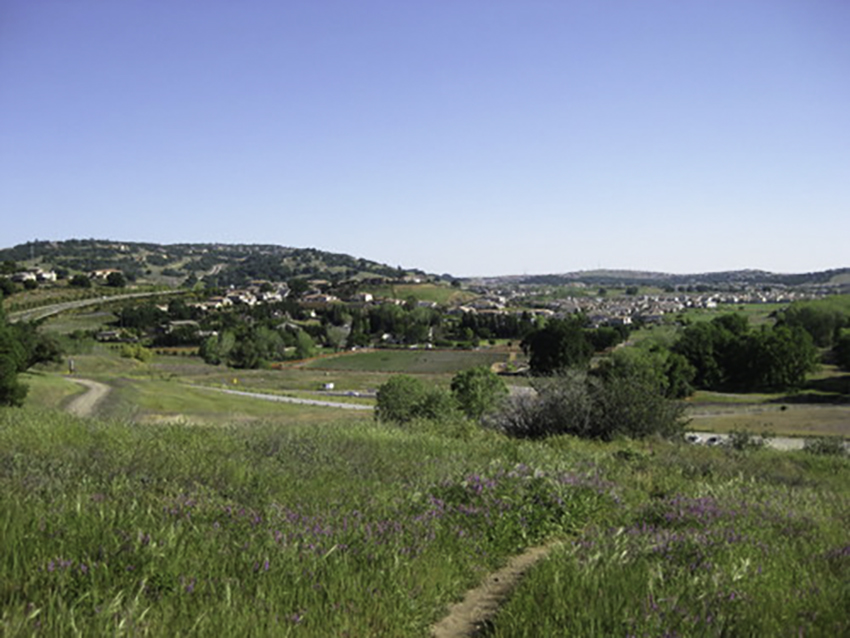
Open the El Dorado Hills - Aerial Views map. Click the checkbox next to any one of the four years listed in the legend to open an aerial view of El Dorado Hills for that year.
Google Earth
|
| •To use the map feature you will need to make sure that a Google Earth plug-in is available to your internet browser. The plugin may be downloaded at: Google Earth Plug-in.
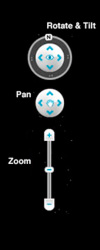
•The Google Earth controls allow you to zoom in and out on the map, pan in any direction, rotate the map, and to tilt the map to enhance the 3-D effect:
|
Print a copy of the Aerial View worksheet. It provides a graphic means of organizing and interpreting what you see as you study the aerial photos of El Dorado Hills. Complete the example for 1968 started for you and then move on to the photos of the other years recording your observations and interpretations.
To Start You Thinking -
1) El Dorado Hills was little more than a plan in 1968 as you can see in scanning the photos. Work backwards from today and find the first evidence you see of a high school over the years. Explain how you know that it is a school.
2) Describe how the vegetation of the area has changed over the years.
3) Explore the contemporary satelite view and locate El Dorado Hills Golf Course (You may have to zoom in a bit.).
- a) Identify the features that allow you to identify this location as a golf course.
- b) Review the historical aerial photos. Approximately how long has the golf course been in existence? Explain.
- c) Discuss the condition of the course today compared to the last decade.
4) Parks and recreation were a planned part of El Dorado Hills. Describe the evidence you see of city parks and how they have changed over the years.